Roku's Beloved Aquatic Life Screensaver Is Being Discontinued
Roku is phasing out its popular Aquatic Life screensaver by December 2026, but users have alternative options to enjoy similar aquarium displays.
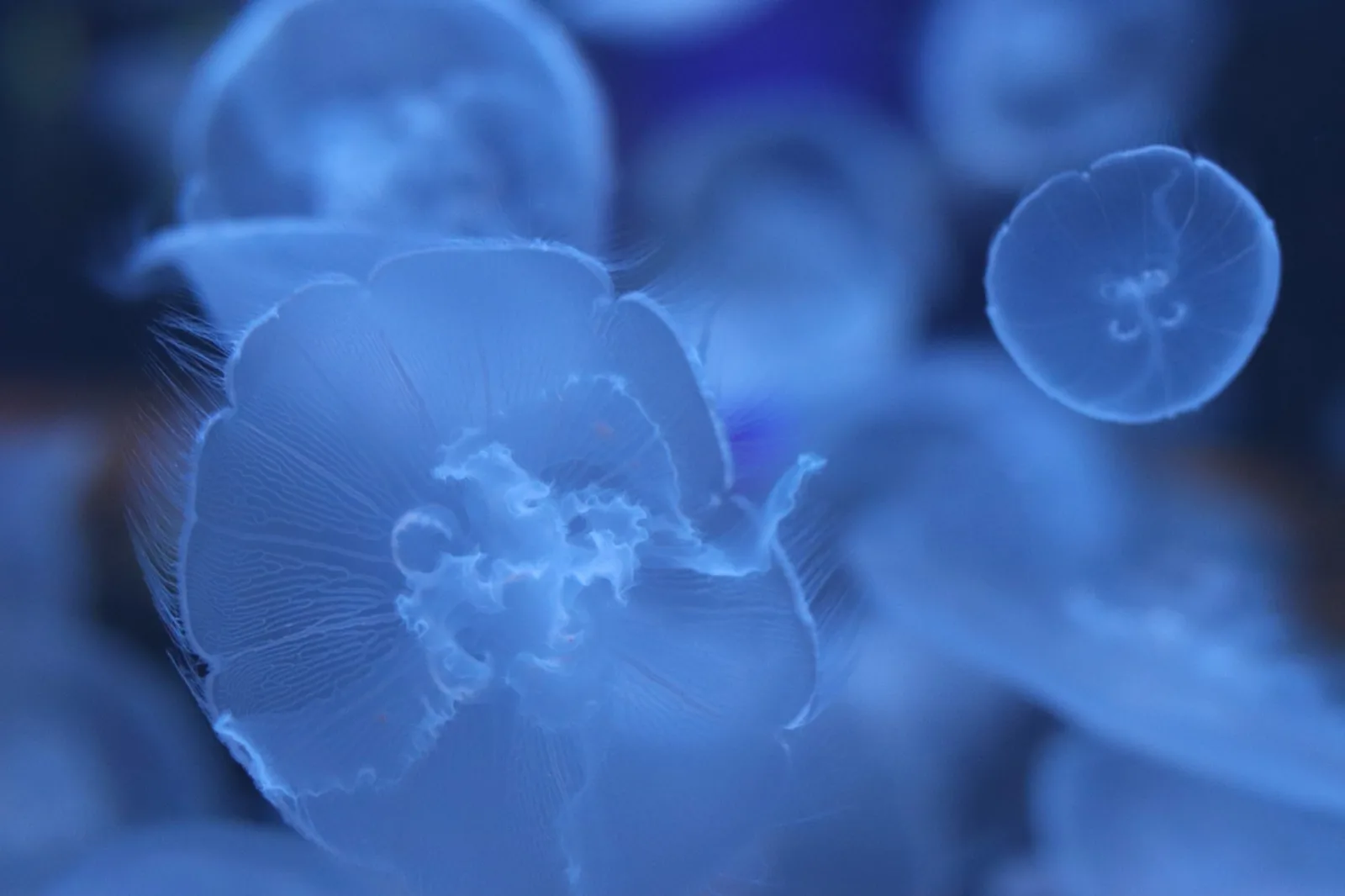
Roku users, get ready for a change! The beloved Aquatic Life screensaver, known for its tranquil visuals of swimming fish, is set to be retired soon. Many individuals have come to rely on this screensaver as part of their daily viewing experience, and the announcement has stirred up reactions across the community.
Transition Announcement
Recently, Roku users began receiving notifications indicating that starting December 1, 2026, the Aquatic Life screensaver will no longer be accessible. Instead, users will automatically switch to the Roku City screensaver. This news has left many fans of the aquatic display disappointed.
Social media platforms, particularly Reddit, have been abuzz with comments from users who are lamenting the screensaver's departure. Many have expressed that it played a significant role in their television habits. In response to these comments, Roku acknowledged the loyalty of its fans, stating they are taking the feedback into account.
Exploring Replacement Options
While losing the Aquatic Life screensaver is unfortunate, there are several alternatives that can help fill the void. For starters, Roku has made the screensaver available as a 2-minute clip on their YouTube channel. By creating a dedicated playlist and setting it to loop, users can easily enjoy the calming aquarium visuals whenever they want.
To use this method, simply access the YouTube app on your Roku device and navigate to the playlist. This way, you won't have to say goodbye to the soothing fish just yet!
Other Aquarium Displays and Apps
If you’re keen on discovering more aquarium delights, numerous videos can be found on platforms like YouTube. Many users have uploaded different aquarium scenes that run continuously, providing a similar calming effect. Just search for 'aquarium screensaver' and you’ll find a plethora of options.
Additionally, there are a variety of aquarium-themed apps available on the Roku platform. While they might not be identical to the Aquatic Life screensaver, these apps can still deliver stunning aquatic visuals that could enhance your viewing experience. Keep in mind, some of these apps may include advertisements before the aquarium scenes begin.
For those who prefer an alternative on their personal devices, the original SereneScreen application can be downloaded for smartphones or computers. This option offers another way to enjoy the ambiance of an aquarium right from your own screen.
Final Thoughts
Although saying farewell to the Aquatic Life screensaver may be tough for many, options are available to maintain the serene atmosphere it provided. Whether through YouTube playlists, other aquarium apps, or the SereneScreen application, users can still invite a piece of underwater tranquility into their living spaces.